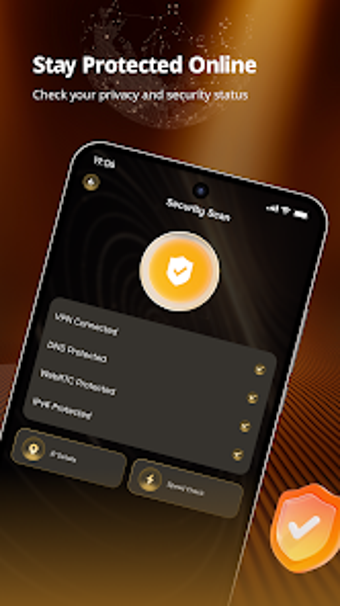
Meridian VPN: One-tap Android VPN for simple on-the-go protection
Meridian VPN offers one-tap VPN access on Android, prioritizing straightforward privacy and steady connections for travelers and remote workers. Developed by NORIK ENTERPRISES (PRIVATE) LIMITED, it removes manual VPN configuration and lets users establish a protected network link with a single tap. The app emphasizes a minimalist interface, zero-configuration setup, and everyday browsing protections optimized for public Wi-Fi and remote work. The current build is; the installer is about 60–68 MB.
What Meridian VPN actually does for mobile connections
The app implements a simplified VPN client that focuses on rapid connection setup rather than advanced routing controls. It offers one-tap connectivity and a zero-configuration approach so users can establish a protected link without manual server or protocol settings. Practical use cases listed by the developer include protecting data on public hotspots and maintaining a stable link during travel or remote work.
How the app interacts with device resources and runtime
Meridian VPN is presented as a lightweight Android utility, with an installer size around 60–68 MB and a stated design that does not heavily tax device resources. That footprint implies the app is intended for background operation during browsing and communications, while the single-tap workflow reduces time spent in active connection setup compared with manual VPN apps that require long configuration steps.
Is the app safe to use on public networks?
The developer positions the tool to provide a secure network presence for everyday browsing and hotspot use, which suits casual privacy needs on untrusted Wi-Fi. The zero-configuration model reduces setup errors, lowering the chance of misconfigured tunnels. The public notes do not advertise enterprise rollback or advanced logging controls, so administrators requiring strict auditability should evaluate alternatives.
Do you need technical knowledge to operate Meridian VPN?
The interface targets general Android users with a clean, minimalist layout and one-tap connection, so minimal technical skill is required. The developer also publishes other Android network tools and casual titles, indicating experience in consumer-facing utilities. That emphasis on accessibility means power users seeking granular routing, split-tunneling, or enterprise policy options may find the app limited for advanced workflows.
Practical recommendation and scope of use
Meridian VPN is a pragmatic choice for Android users who want easy, daily privacy and quick connection control; its early release status and modest download base mean it does not provide enterprise-grade management. For best results, verify connection stability before transferring sensitive data and test the app on a noncritical network first. Recommended.